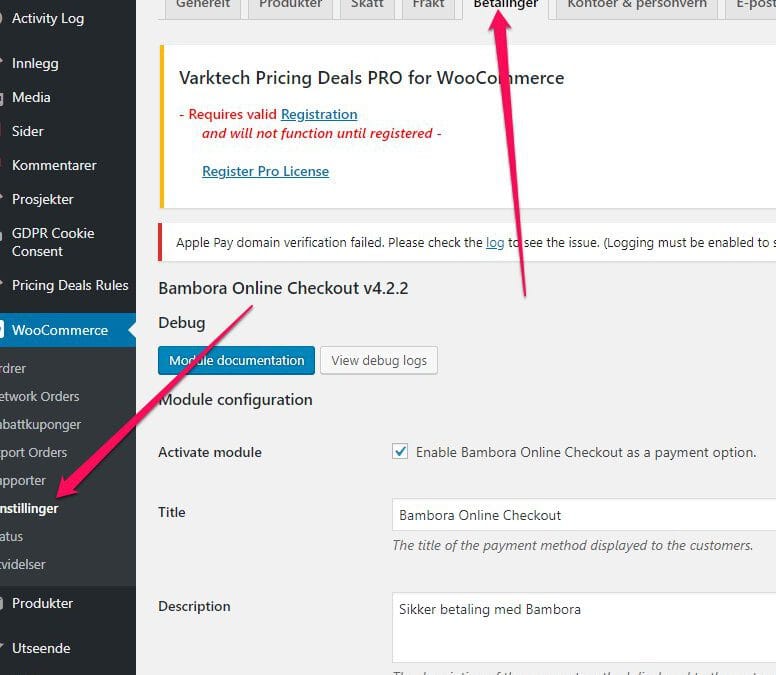

7 of the Best Security Plugins for WordPress and WooCommerce
Website security remains as essential as ever. Hackers keep getting smarter and more resourceful, which means that you need to match their efforts when it comes to protecting your websites and online storefronts. WordPress users have a major advantage of being able to...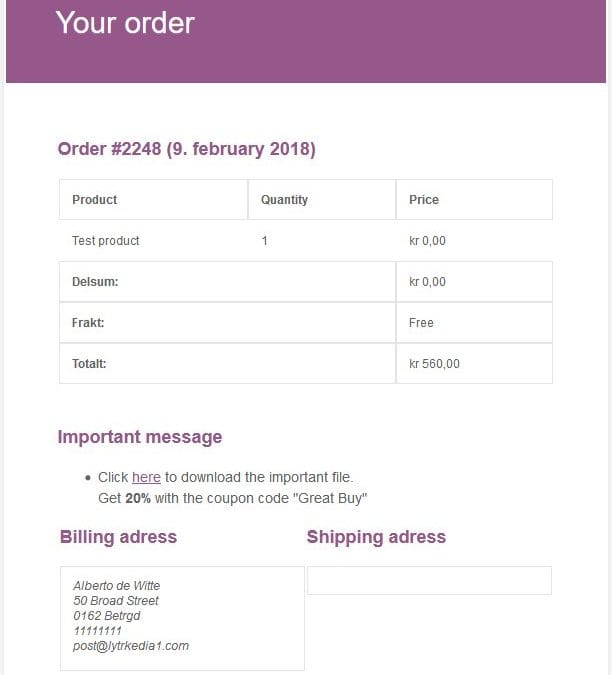
Add a message or notes to order emails (WooCommerce)
Sometimes it comes in handy to be able to give information to your customers in the emails they receive. It can be info on where to download extra files, like manuals or consumer right documents. Or any other instructions or promotional text, like a coupon code to get...
WooCommerce increases your sales!
Has your small-scale hobby just turned into a small business, or is the whole thing just a big load of meaningless hard work? Don’t you have any clue how to make your business grow, and even fewer abilities when talking about internet solutions? Taking care of...
Advantages of Using WordPress and WooCommerce for Your Ecommerce Website
WordPress is a powerful platform through which almost any type of website can be built. However, it is not capable of easily setting up an online store, at least, not without employing the help of an e-commerce plugin. This is the point where WooCommerce comes in....
WooCommerce | Proven Methods of Marketing (Without Breaking the Bank)
No matter how good-looking your WooCommerce Store might be, attracting clients might still be demanding. With intense competition among numerous online outlets for almost every niche, it is essential to get the word out if you want your webstore to succeed....
Optimizing the Performance (of Your WooCommerce Store)
The success of your e-commerce store depends extensively on its performance. Its pages must load at a reasonable speed, else your customers become tired of waiting and may look to other stores to do their business. Hence, you must avoid this and similar problems as...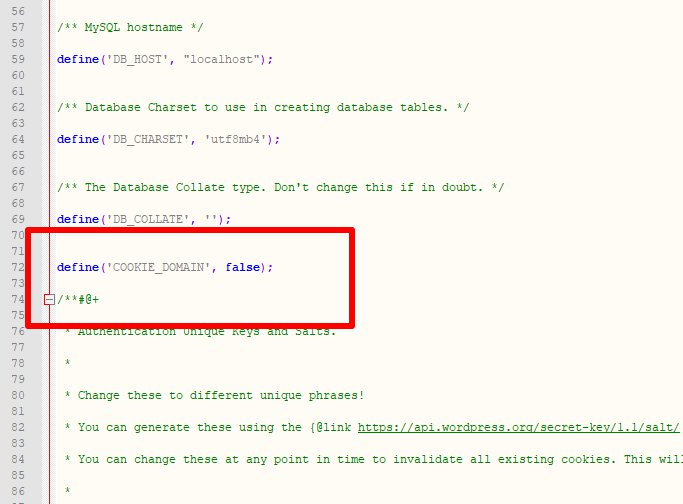
SOLUTION | Error: Cookies are blocked or not supported by your browser. You must enable cookies to use WordPress.
If you use WordPress multisite and can’t log in to subsites, and get the error “Cookies are blocked or not supported by your browser. You must enable cookies to use WordPress.” you can paste a small code in your wp-config.php file: Read...
How to set up products (in your WooCommerce store)
In this guide, I’ll be showing you how to set up products in your online WordPress WooCommerce store. There are a number of settings that you need to pay attention to, and several different ways of setting up products. I’ll be showing you how to do it yourself. There...WP Multisite – Change subsite from subdomain to domain
How do you set up domains to replace subdomains in WordPress multisite What we want to do is to use sub.domain.com to be opened like testaddon.com, so we’ll do the following: Mouseover sub.domain.com -> Edit -> Change Site Address (URL) from sub.domain.com/ to...
Why Make Several Niche Stores from Your Main Store?
It’s better to be number one in the niche “blue socks with yellow stripes” than number 1000 in “socks”. If you run a store that sells many different categories of products you should try opening niche stores using the inventory/stock you already have. With our...
How to Make a Coolblue.nl Multistore Solution
Do you want to copy the success of coolblue.nl by using a multistore solution? Coolblue has made a number of stunning webstores per product category and have improved search engine optimization and increased sales as a result. By creating multiple niche domains they...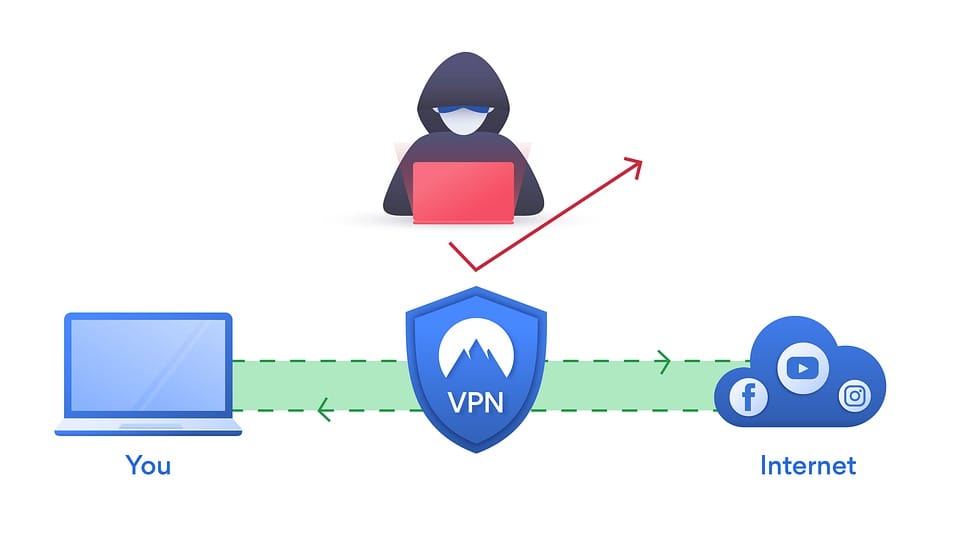
Why WordPress Users benefit from VPN
What Is A VPN? VPN or Virtual Private Network.A Virtual Private Network is a connection method used to add security and privacy to private and public networks. For instance, like WiFi Hotspots and the Internet. Corporations use Virtual Private Networks to protect...
Sync Stock for WooCommerce
When you sell the same products in several WooCommerce stores, why should you sync stock between them? The answer is obvious. When you auto sync stock across stores you will not have to update stock manually in any other stores where you sell the same products. To...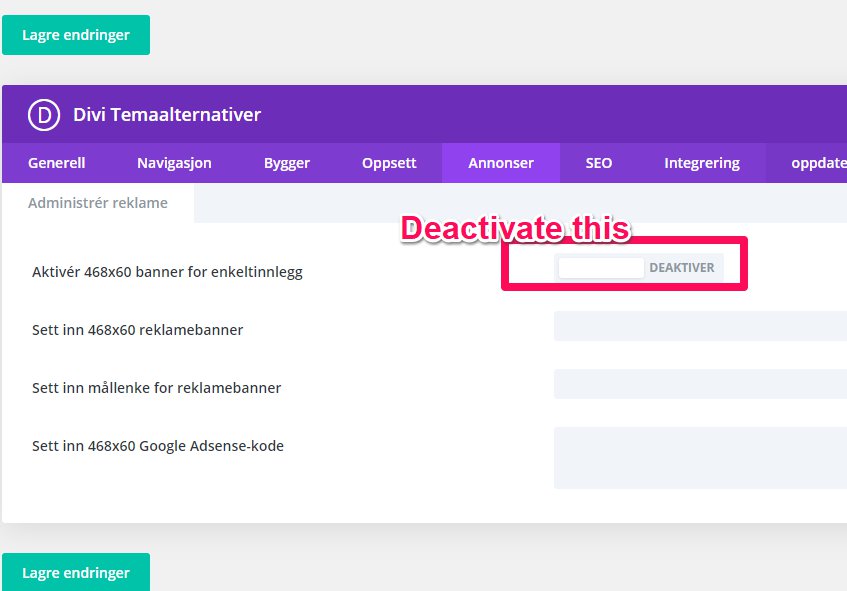
Remove 468 number in DIVI posts
Go to DIVI settings and disable the ads option. This tip was found on https://www.peeayecreative.com/